Mobile Responsiveness vs Desktop Processing: Choosing a Trading Platform for 24/7 Access
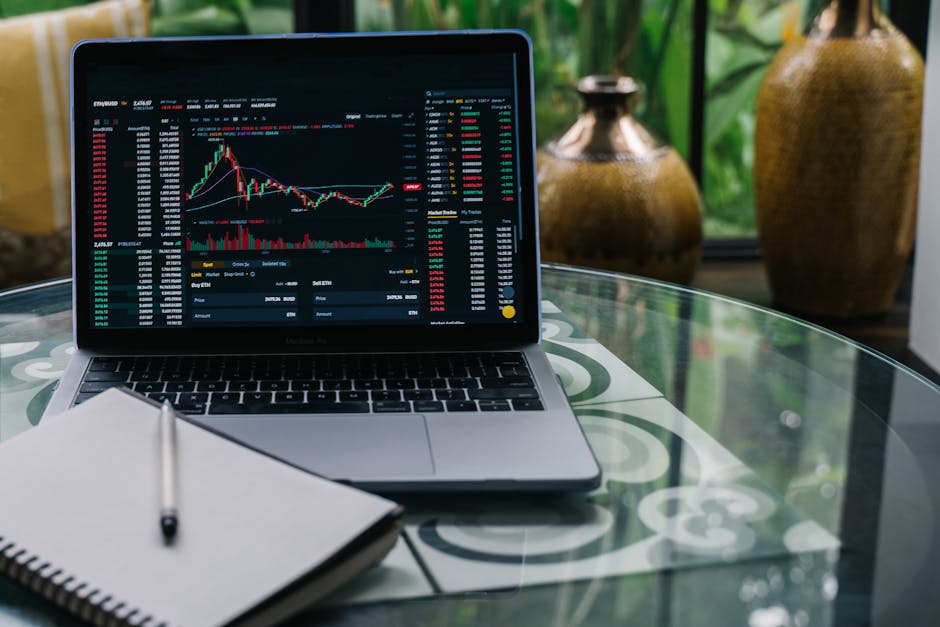
Core Differences in Architecture and Performance
Desktop applications traditionally offer superior raw processing power. They leverage local CPU and RAM to execute complex algorithms, handle multiple charts, and process real-time data streams without latency. A robust trading platform on desktop can run dozens of indicators simultaneously, making it ideal for scalpers and algorithmic traders who require millisecond precision. However, this power is tethered to a fixed location and a stable power source.
Mobile responsiveness focuses on adaptive interfaces and lightweight data handling. Modern platforms use progressive web apps (PWAs) or native apps that compress data packets and prioritize critical information like price alerts and order book changes. The trade-off is reduced computational depth; mobile devices throttle background processes to save battery, which can delay complex backtesting or multi-asset scanning. For 24/7 access, mobile wins on portability but loses on heavy analytical tasks.
Network Dependency and Data Synchronization
Desktops rely on wired or strong Wi-Fi connections. A fiber optic link ensures consistent data streaming, but any disruption cuts access entirely. Mobile platforms use cellular networks and Wi-Fi hopping, automatically switching to 4G/5G if the primary connection fails. This resilience is critical for overnight holds or weekend positions. Yet, mobile networks introduce variable latency-typically 20–50 ms versus
User Interface and Workflow Efficiency
Desktop interfaces allow for multi-monitor setups, floating windows, and custom layouts. Traders can monitor futures, forex, and crypto simultaneously on separate screens. This spatial efficiency reduces cognitive load and speeds up decision-making. Mobile screens, even on large phablets, require constant scrolling and zooming, which increases the risk of misclicks during fast trades.
Touch-based interactions on mobile are intuitive for quick actions like stop-loss adjustments or position closures. Gesture controls (swipe to buy/sell) can be faster than mouse clicks. However, entering complex orders (e.g., OCO or trailing stops) is cumbersome on mobile keyboards. Desktop hotkeys and programmable macros remain unmatched for speed and precision. For 24/7 monitoring, mobile push notifications keep you informed, but executing multi-leg strategies is safer on desktop.
Battery Life and Thermal Throttling
Continuous trading on mobile drains battery rapidly. High-frequency updates and screen-on time can deplete a phone in 3–4 hours. Thermal throttling then reduces CPU speed, causing app slowdowns. Desktops, especially gaming or workstation models, dissipate heat efficiently and run indefinitely on AC power. For round-the-clock access, desktop reliability is superior, while mobile serves as a backup alert system.
Security Considerations Across Devices
Biometric authentication (fingerprint, face ID) on mobile adds a convenient security layer for quick logins. However, mobile devices are more prone to theft or loss. Desktop environments benefit from hardware security keys, encrypted VPNs, and physical network firewalls. A hybrid approach-using mobile for monitoring with read-only API keys and desktop for trade execution with full permissions-balances convenience and safety. Always enable 2FA on both endpoints and avoid public Wi-Fi for mobile trading.
FAQ:
Can I run automated trading bots on mobile?
Most platforms offer limited bot functionality on mobile; full automation requires a desktop or VPS for uninterrupted script execution.
Which device is better for day trading?
Desktop for speed and multi-window analysis; mobile for quick entries/exits when away from a desk.
How does screen size affect chart analysis?
Desktop allows detailed candlestick patterns and multiple timeframes; mobile compresses data, risking missed minor fluctuations.
Is mobile trading secure for large accounts?
Yes, with biometric locks and encrypted connections, but avoid storing API keys on the device.
Can I use both devices simultaneously?
Yes, many platforms sync sessions. Monitor on mobile, execute complex trades on desktop.
Reviews
Alex R.
I use desktop for futures scalping-zero lag. Mobile is my backup for stop-loss adjustments during commute. Both sync perfectly.
Sarah K.
Mobile responsiveness surprised me. I executed a crypto trade from a taxi using 5G. It matched desktop speed, but charts were harder to read.
Mike T.
My desktop crashed during a news spike. Mobile saved my position. Now I keep both running. Battery on mobile drains fast though.